

Agreed on it — then forgot
A week later, no one remembers who promised what, or by when.
You talk, Verbatta listens. When the meeting ends, you have the decisions, tasks with owners and deadlines — and the audio never leaves your iPhone.
A week later, no one remembers who promised what, or by when.
After every meeting, someone sits down and tries to remember what was said.
While you’re writing, you’re not listening — or watching how people react.
Verbatta takes this off your plate. You lead the conversation — and right after the meeting, the outcome is ready, with every decision and deadline.
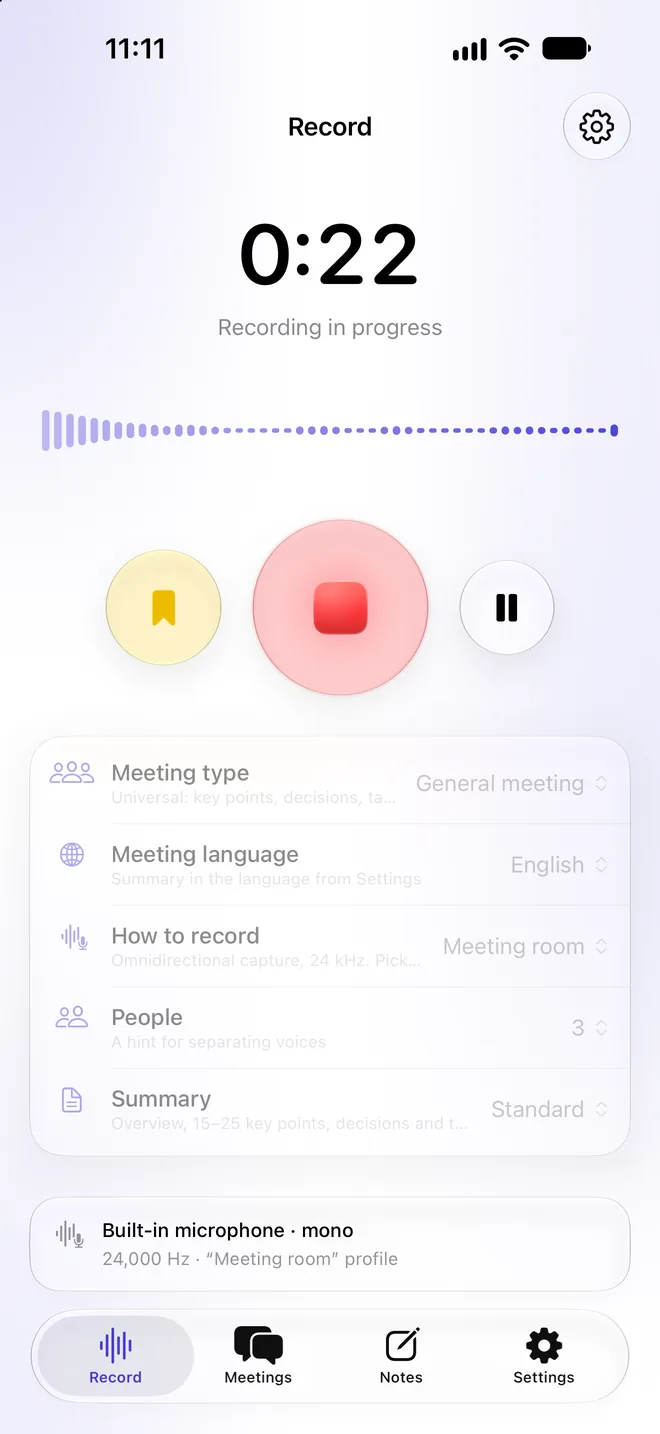
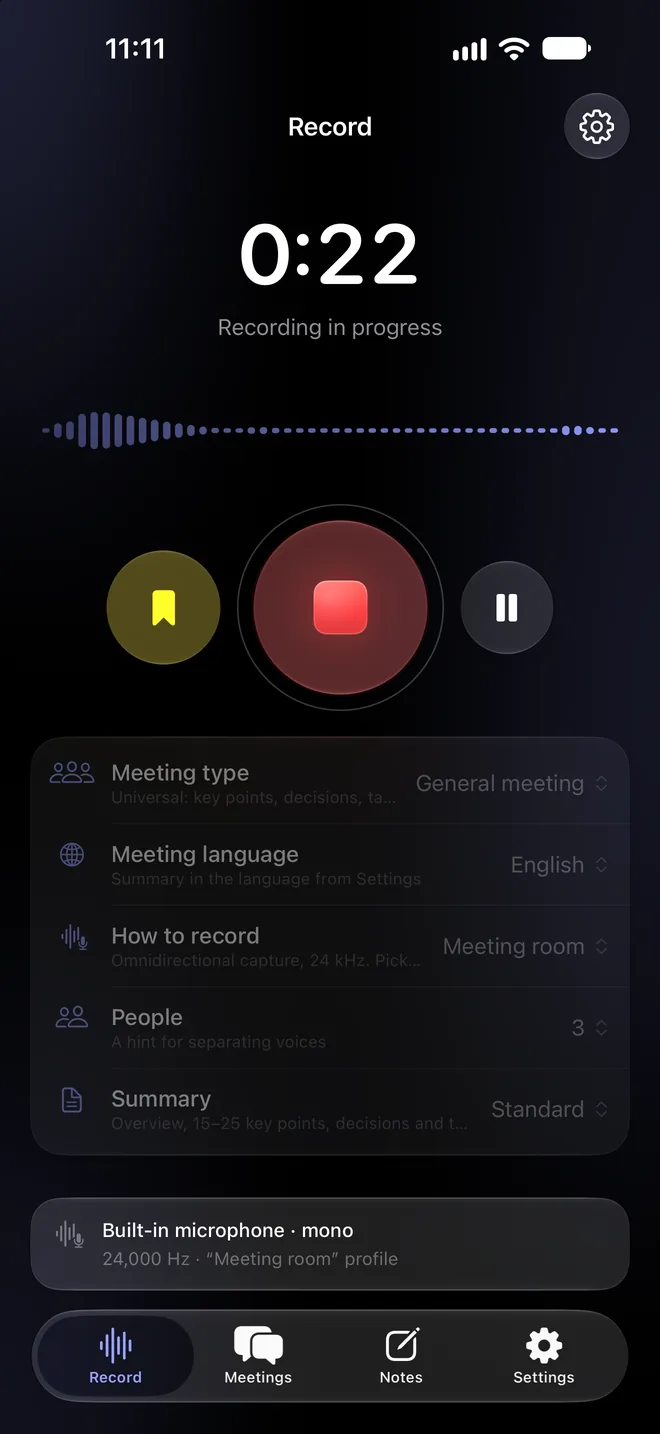
From the app, the Action button, Control Center, a widget — or just ask Siri.
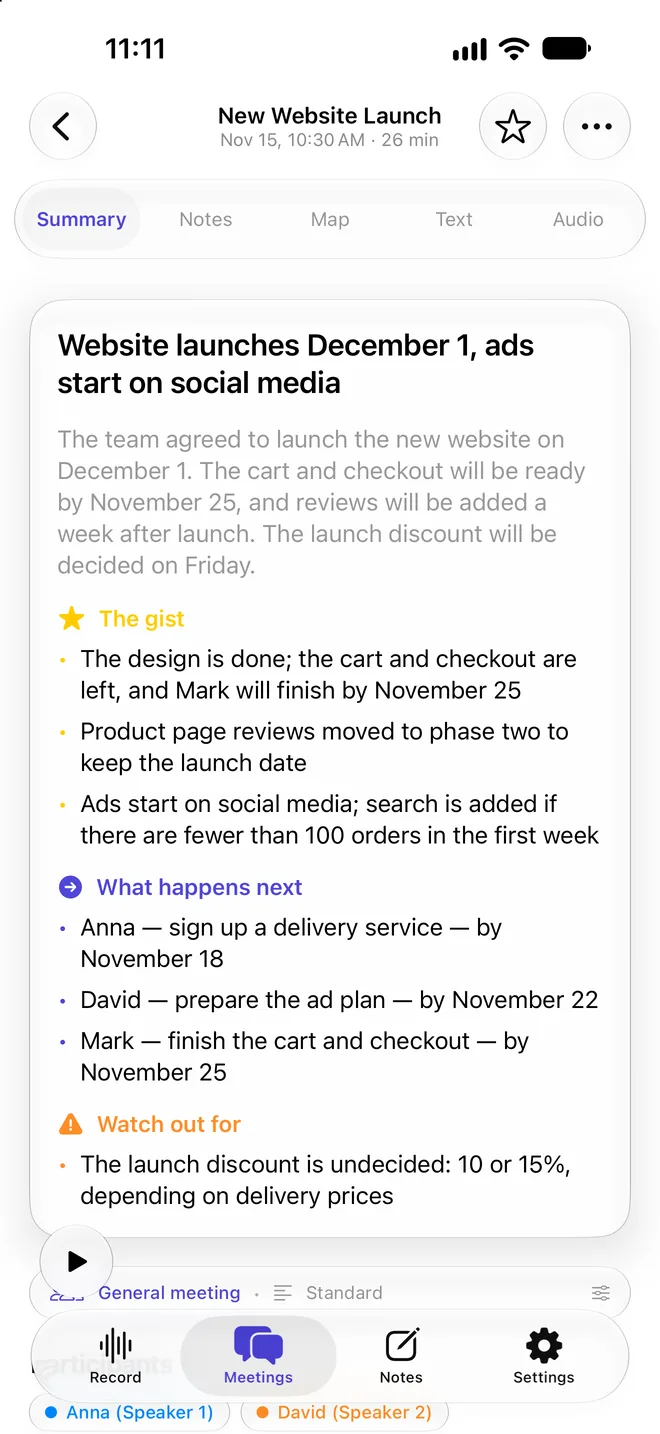
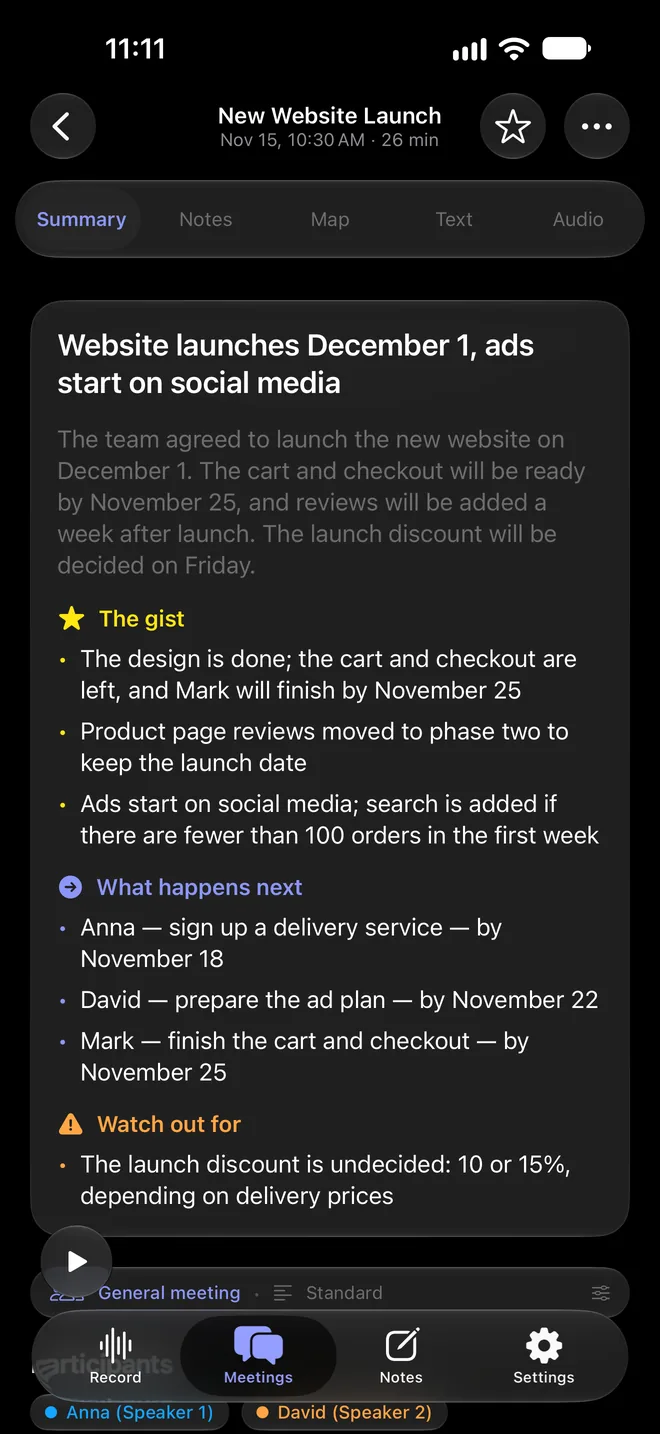
Decisions, tasks with owners and deadlines, open questions. Templates for each type of meeting.
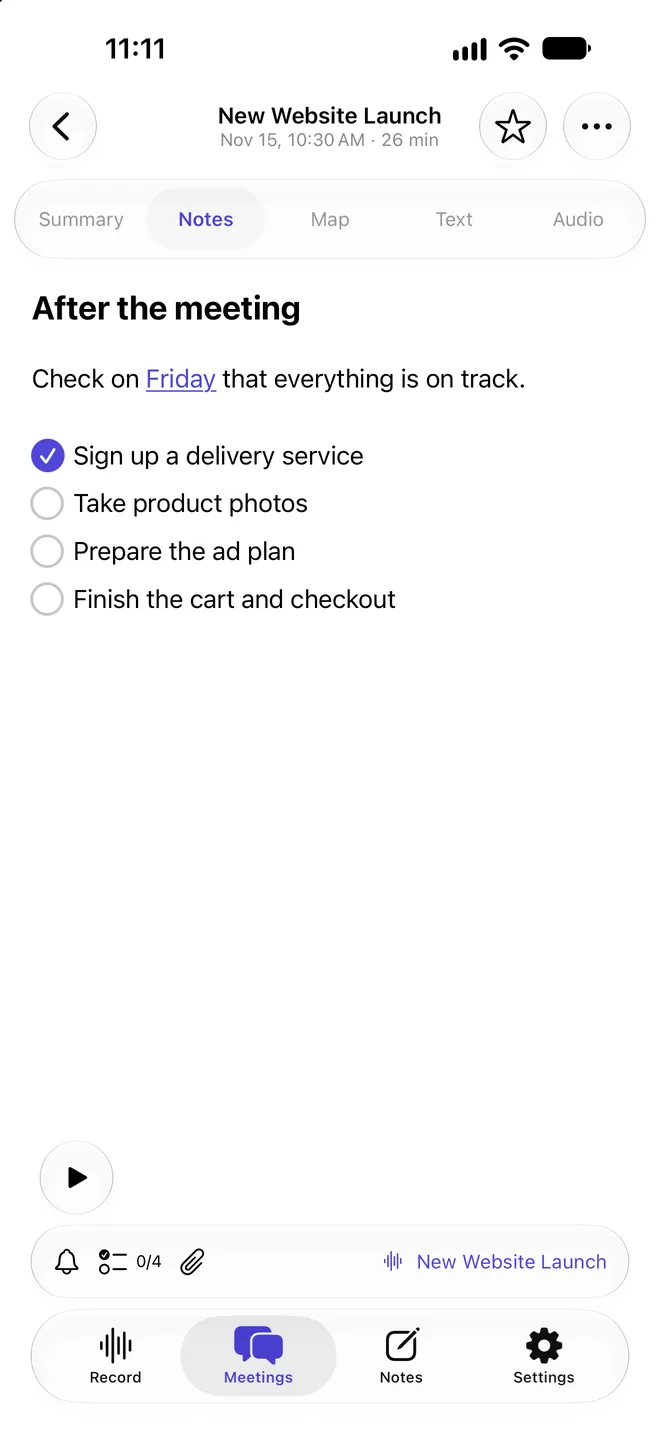
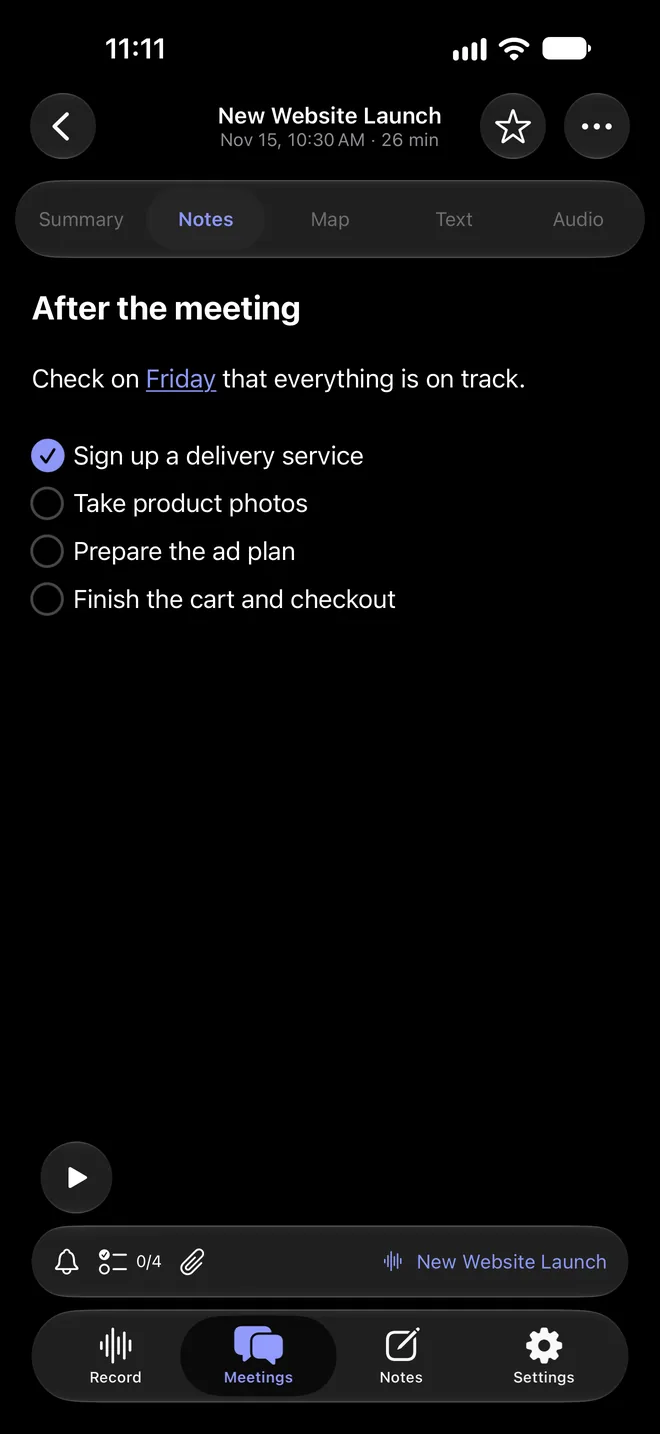
Write a note for the meeting and check off tasks right inside it. Set a reminder in one tap.
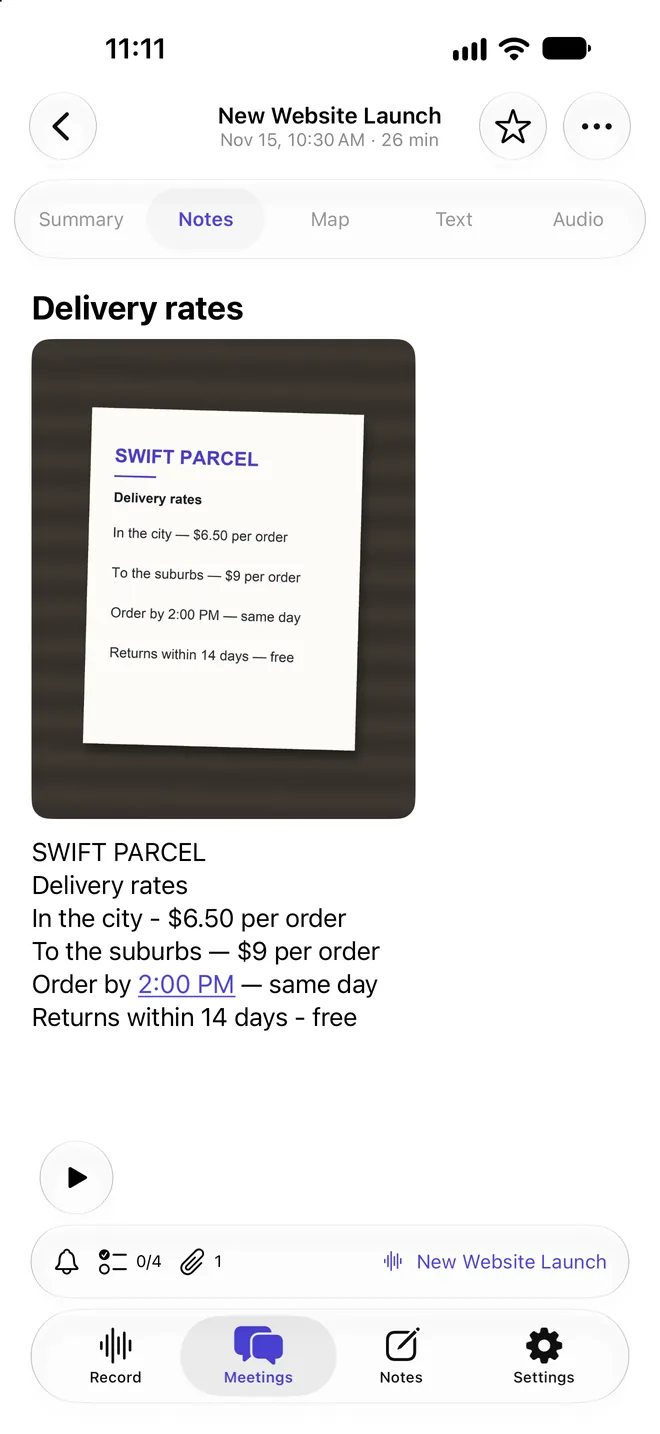
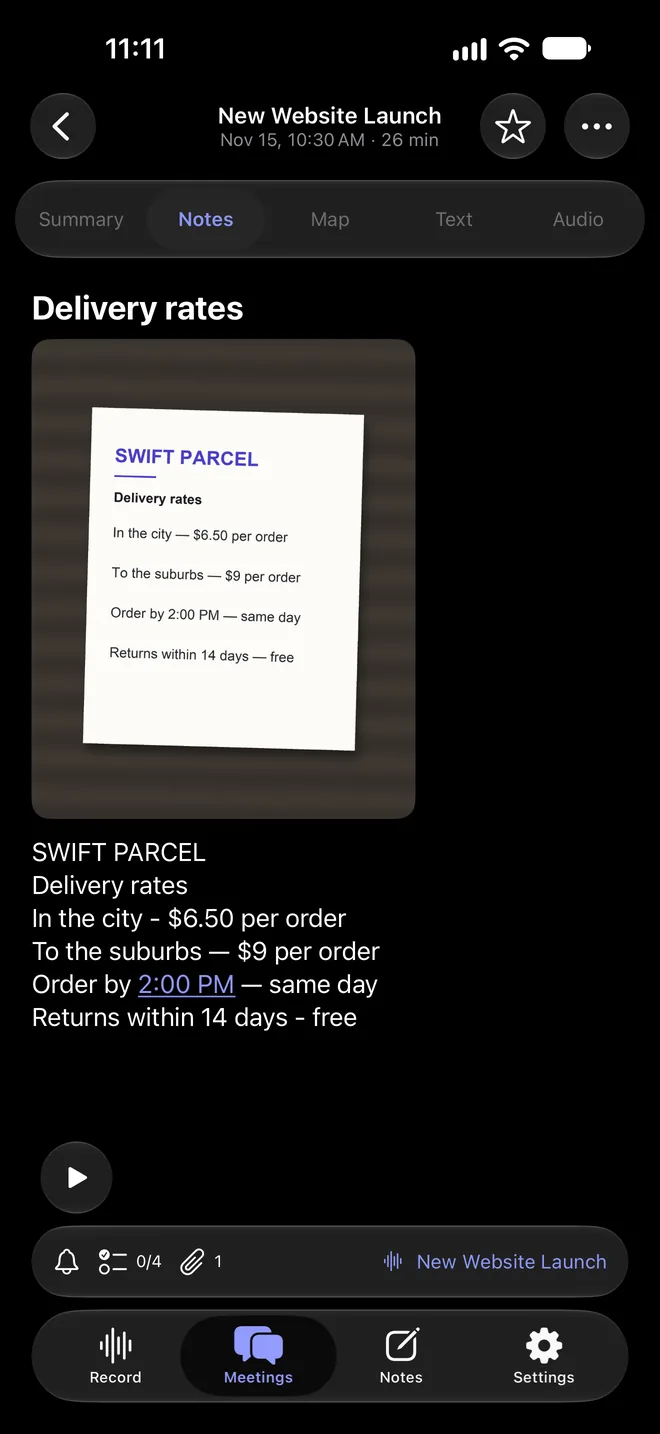
Snap a photo, scan a document or add a PDF — Verbatta recognizes the text and adds it to the meeting note.
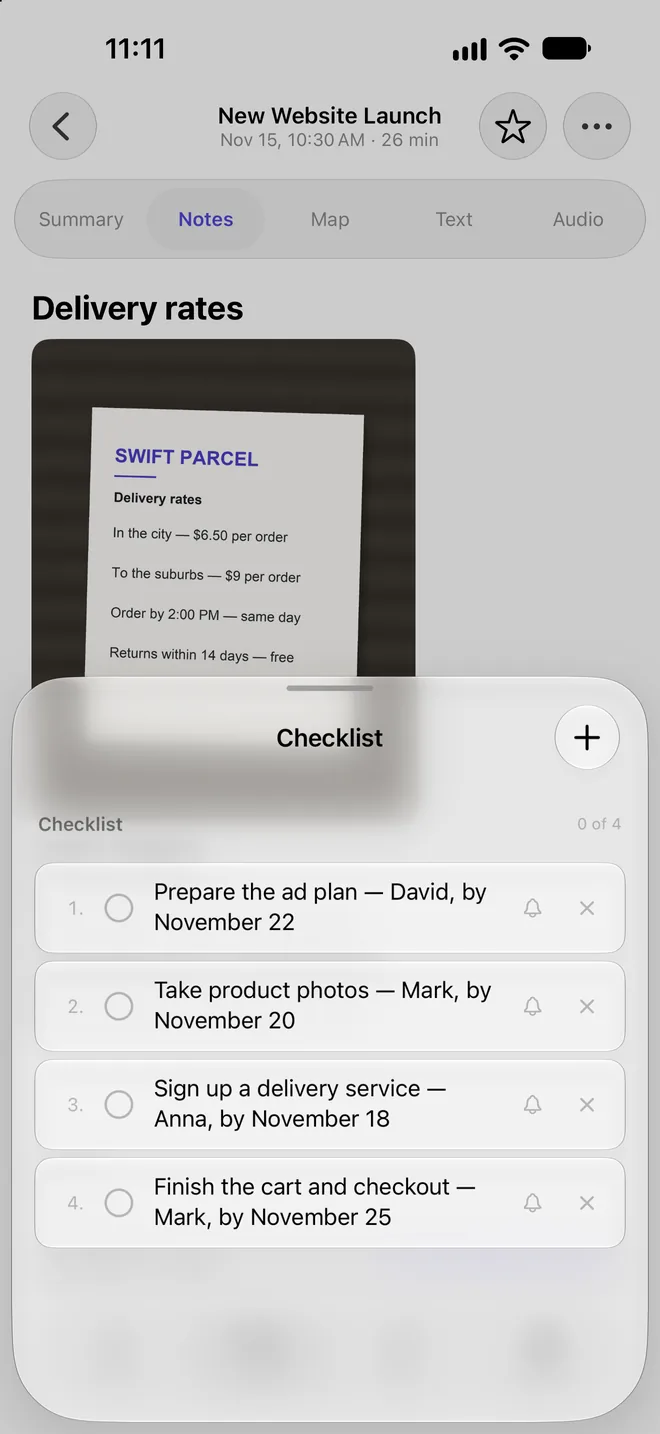
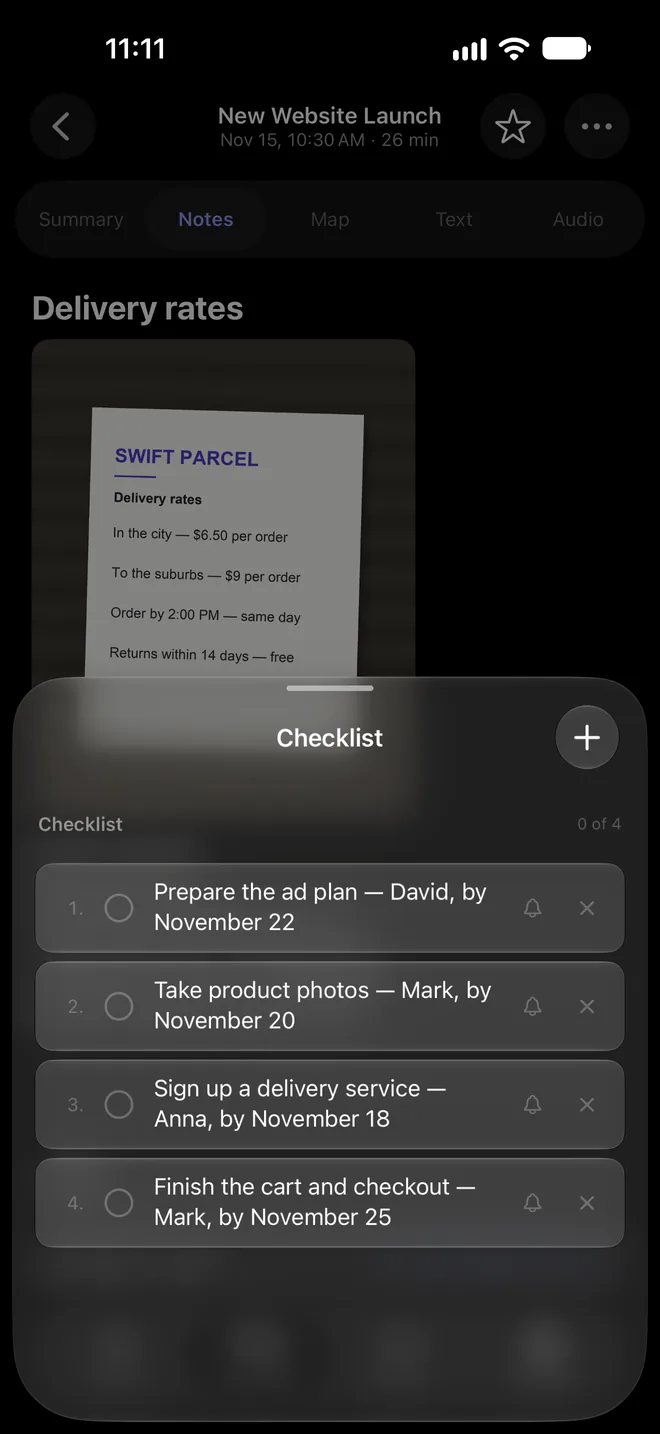
Turn tasks from the summary into a checklist in one tap: who does what, and by when.
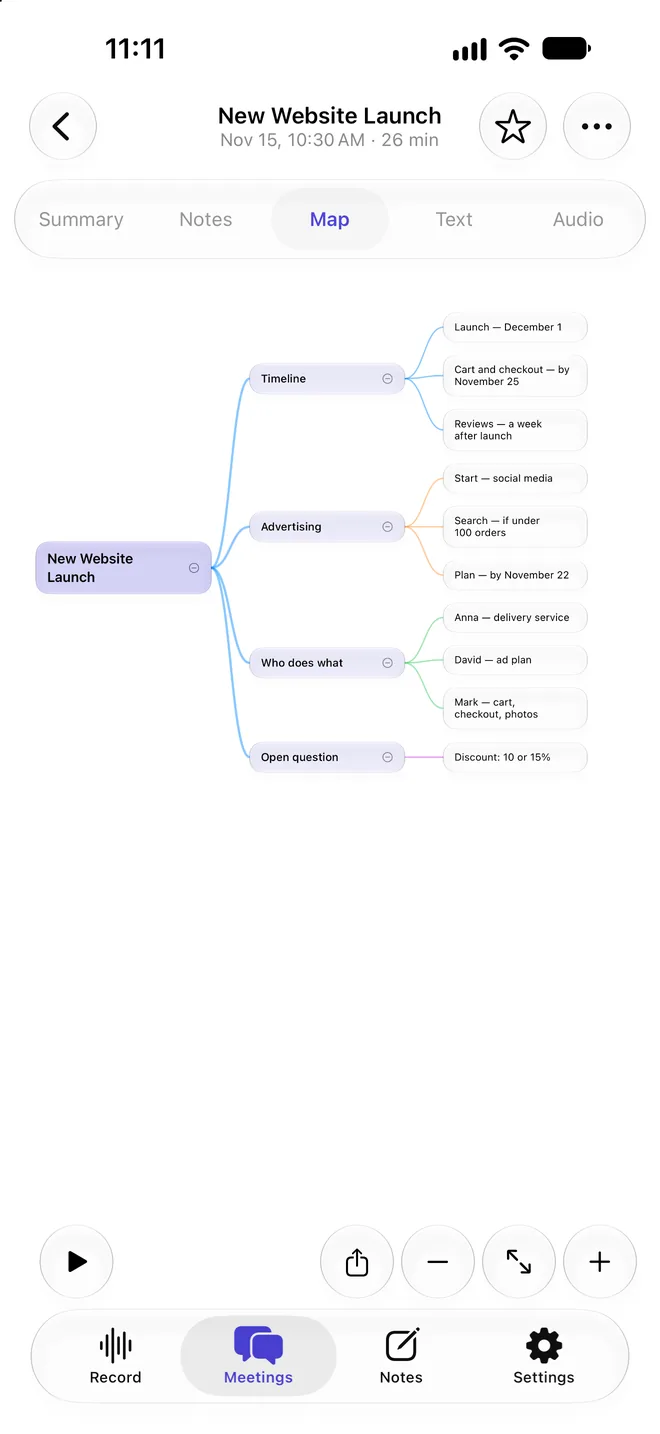
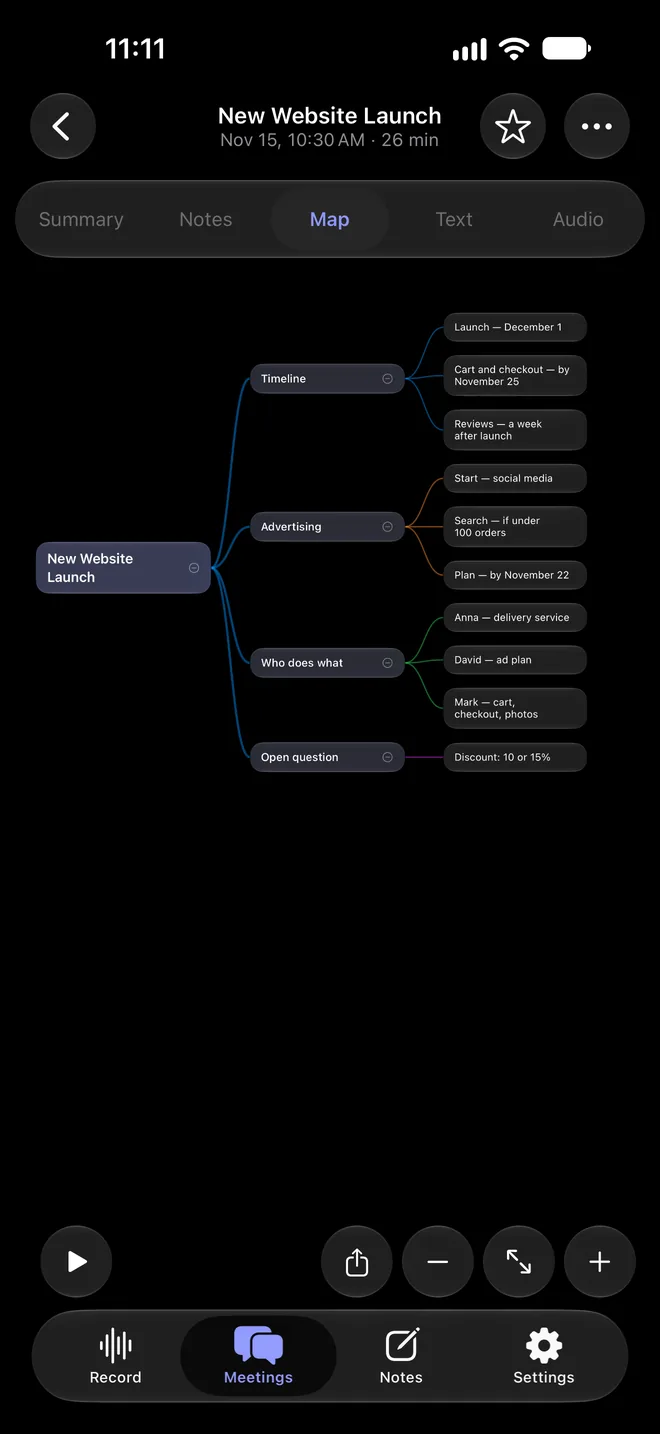
Topics, decisions and tasks as a mind map — recall what was agreed at a glance.
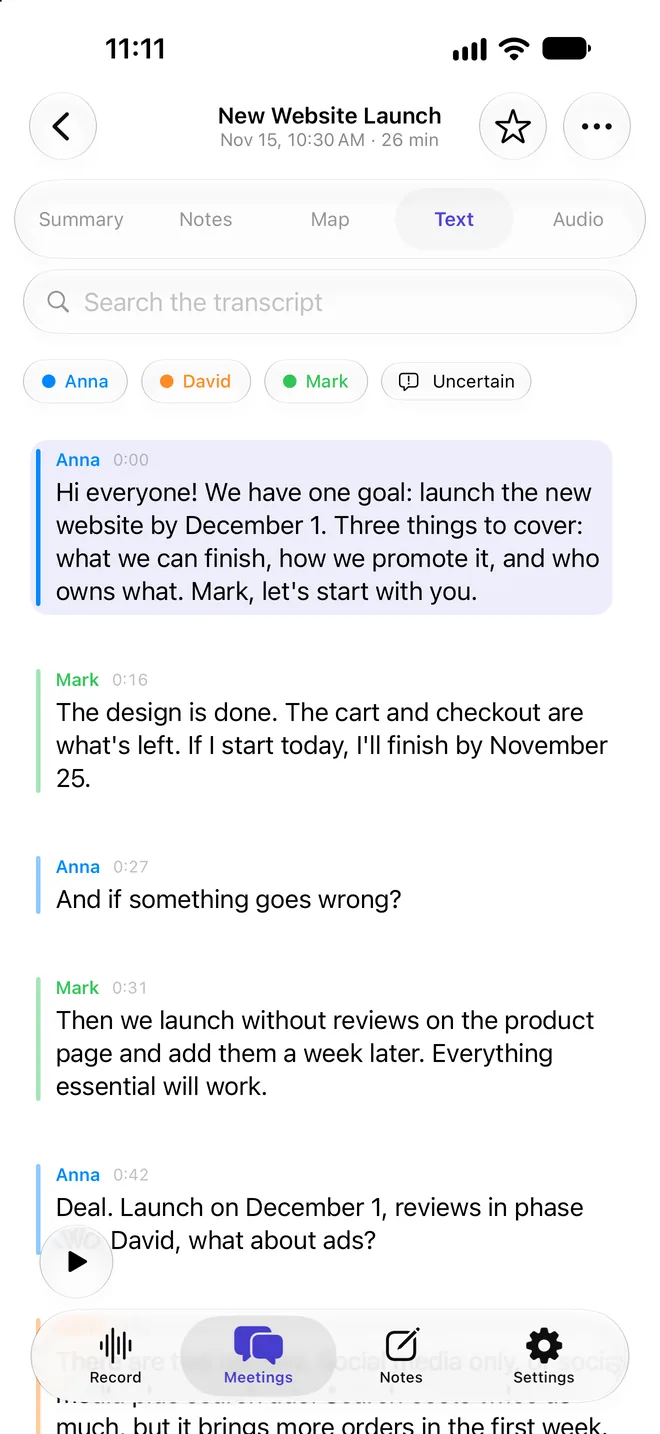
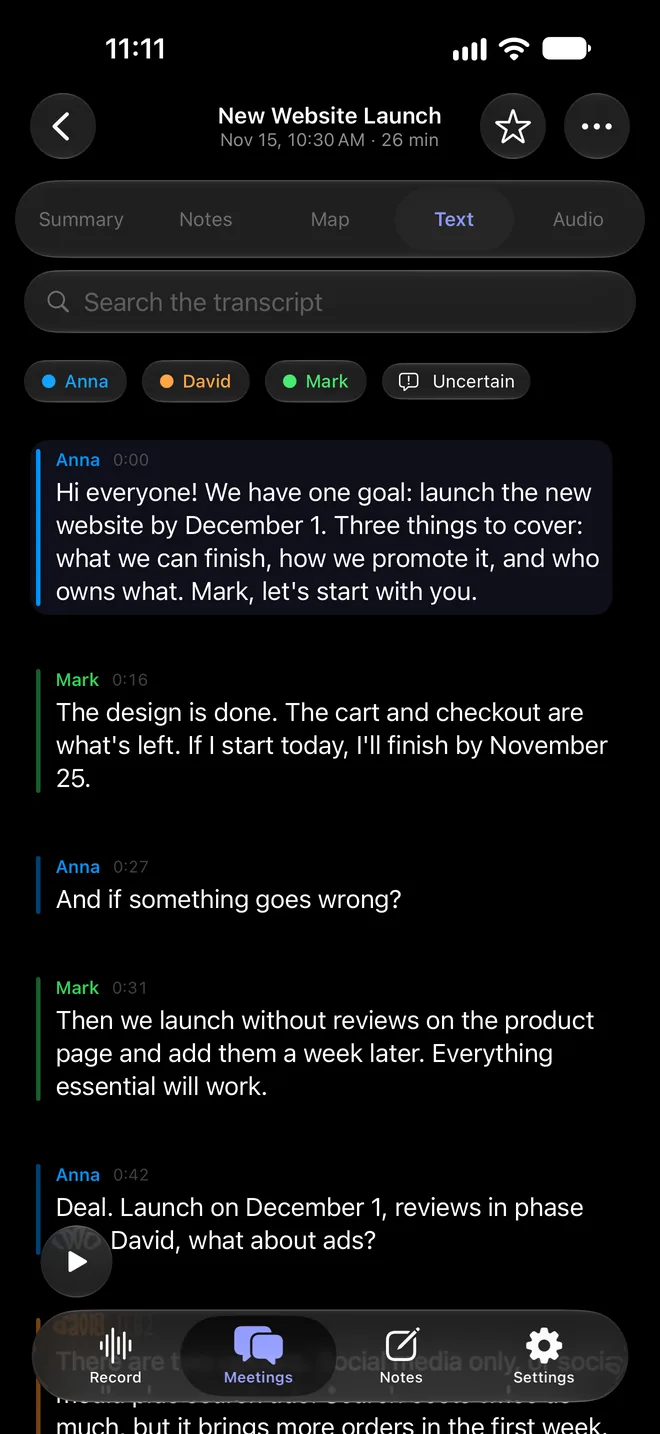
Speech is transcribed right on your phone and split by speaker. Tap a line to hear it.
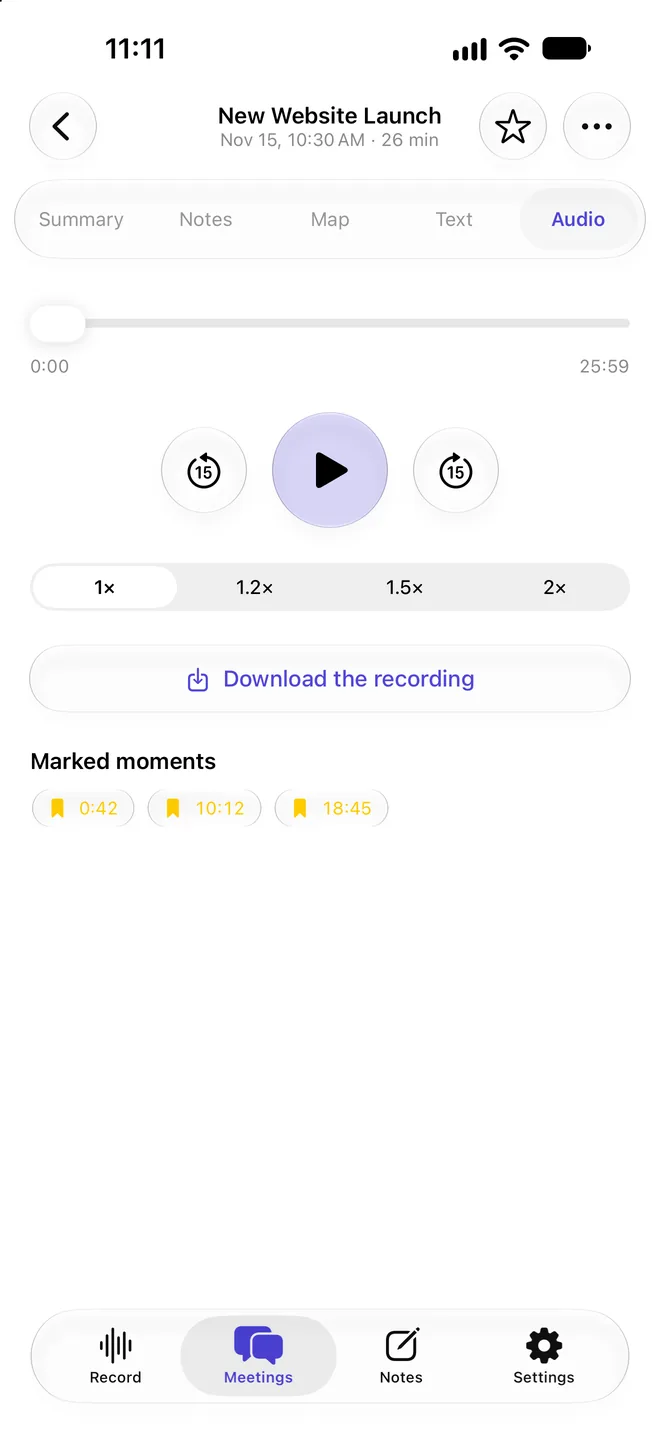
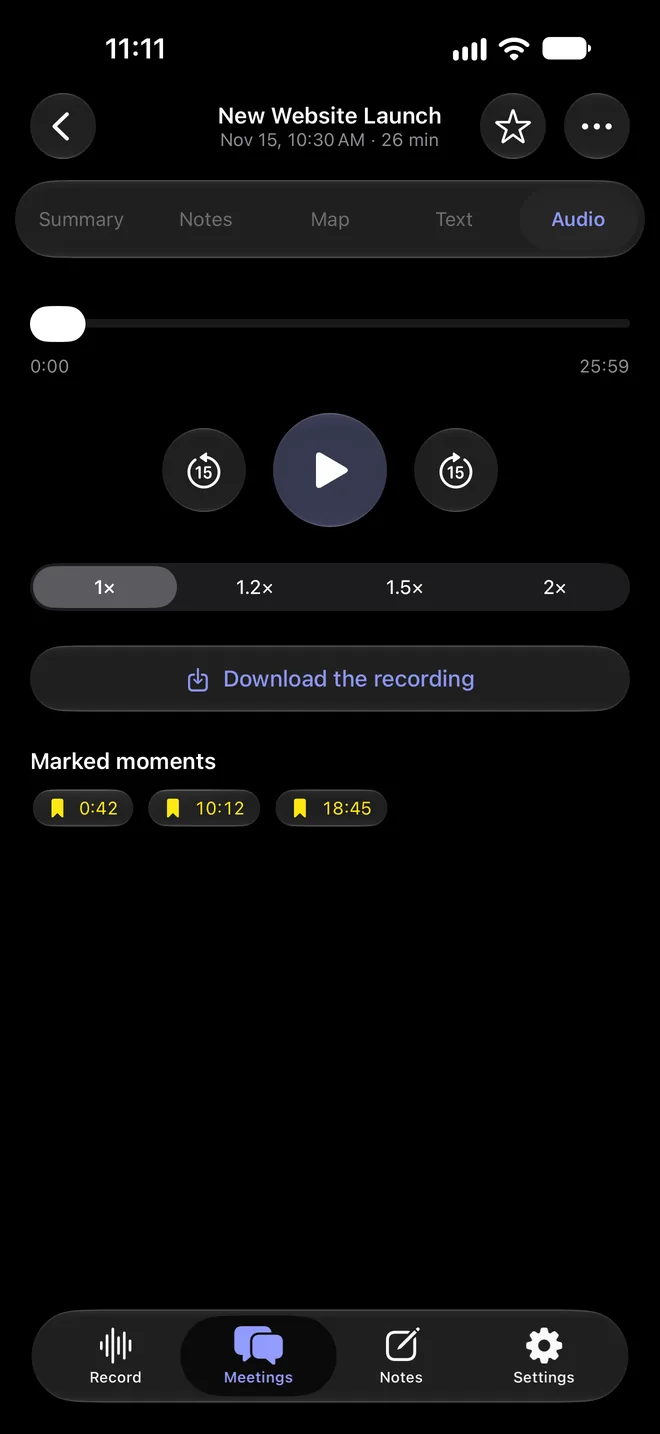
Play the whole meeting or jump to the right moment — marked moments take you straight to what mattered.

No extra gadgets. Put your iPhone on the table, and the whole meeting is captured.
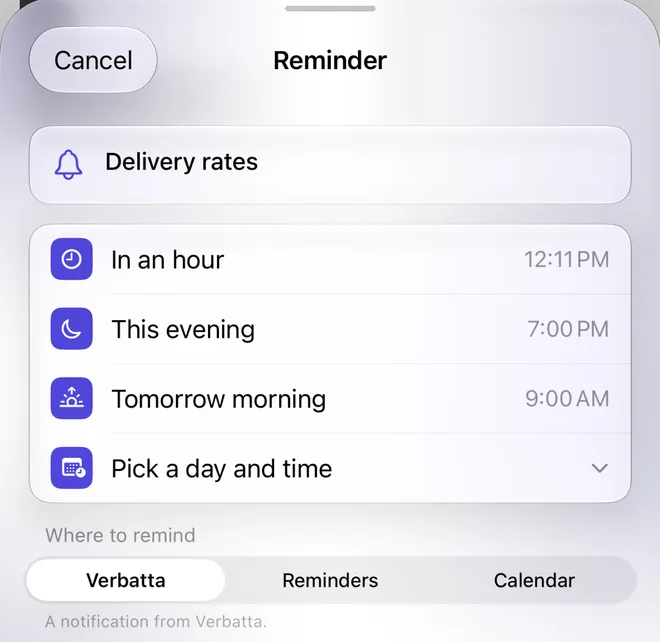
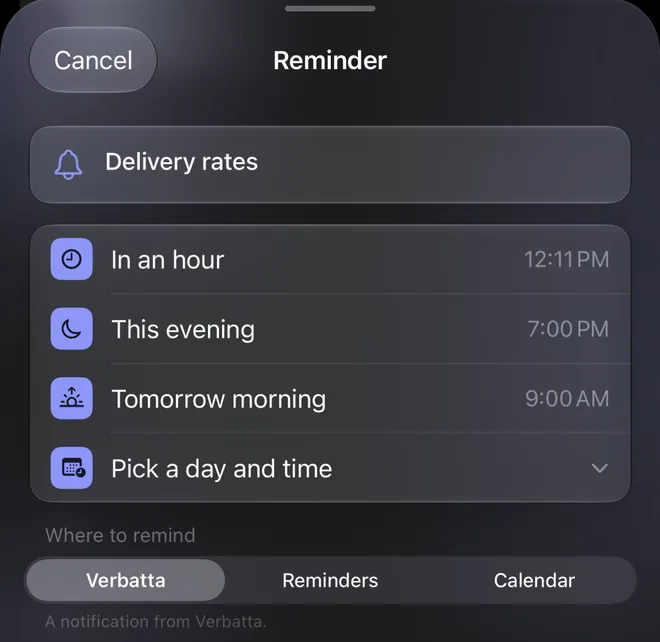
As a Verbatta notification, in Reminders or in Calendar.
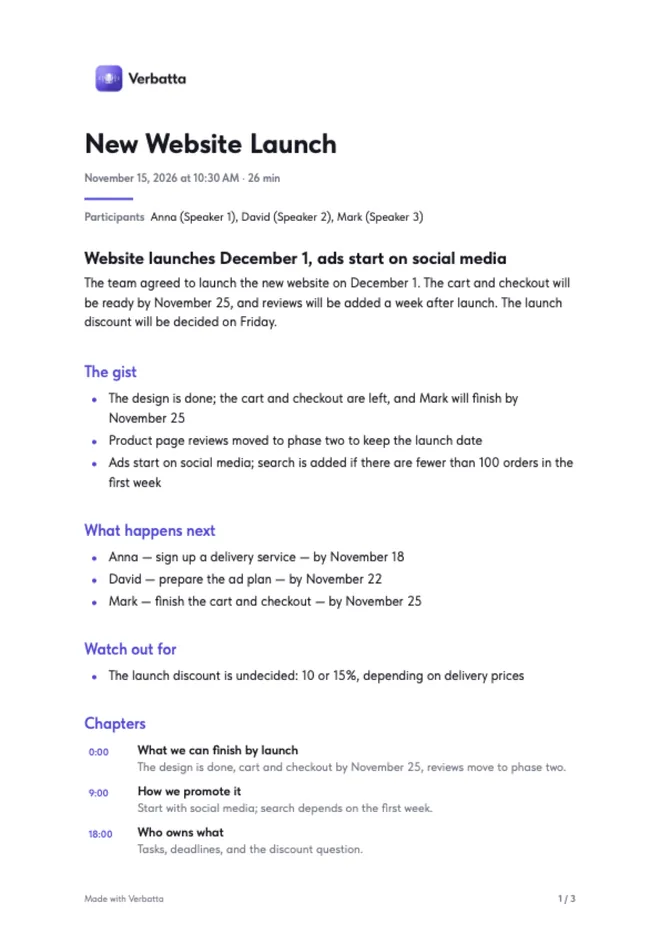
Send the summary and meeting map as a PDF — by email or any messaging app.
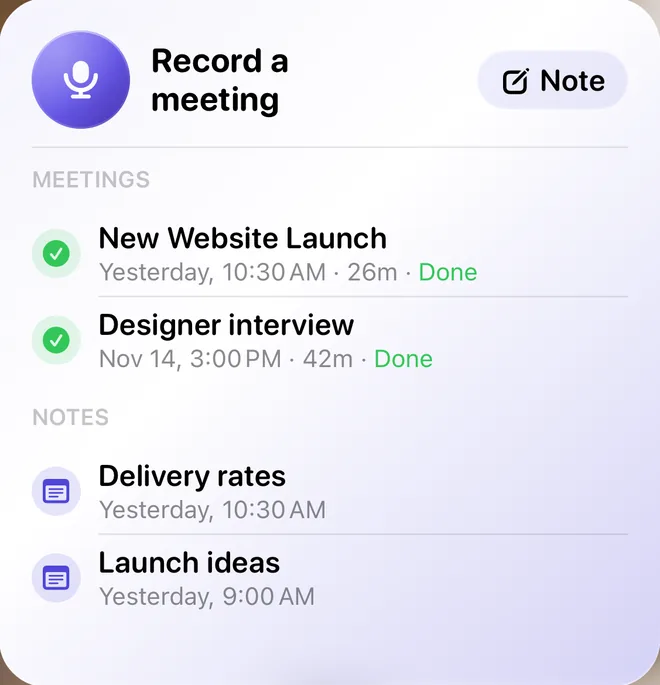
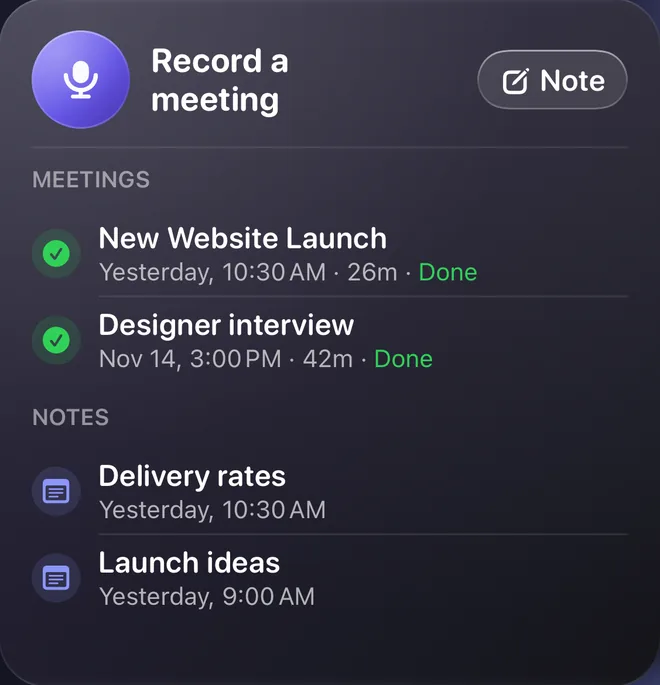
The widget starts a recording, adds a note and shows recent meetings.
summary languages — the meeting’s or yours
extra devices — just your iPhone
languages in the app
Hold the meeting in any of 30 languages and get the summary in the meeting’s language or your own.

Standups, one-on-ones, board meetings — decisions and action items never get lost.

What you promised the client, what they asked, and by when.

Interviews and research — the whole conversation, by speaker.

Lectures split into chapters with short recaps — easy to review.
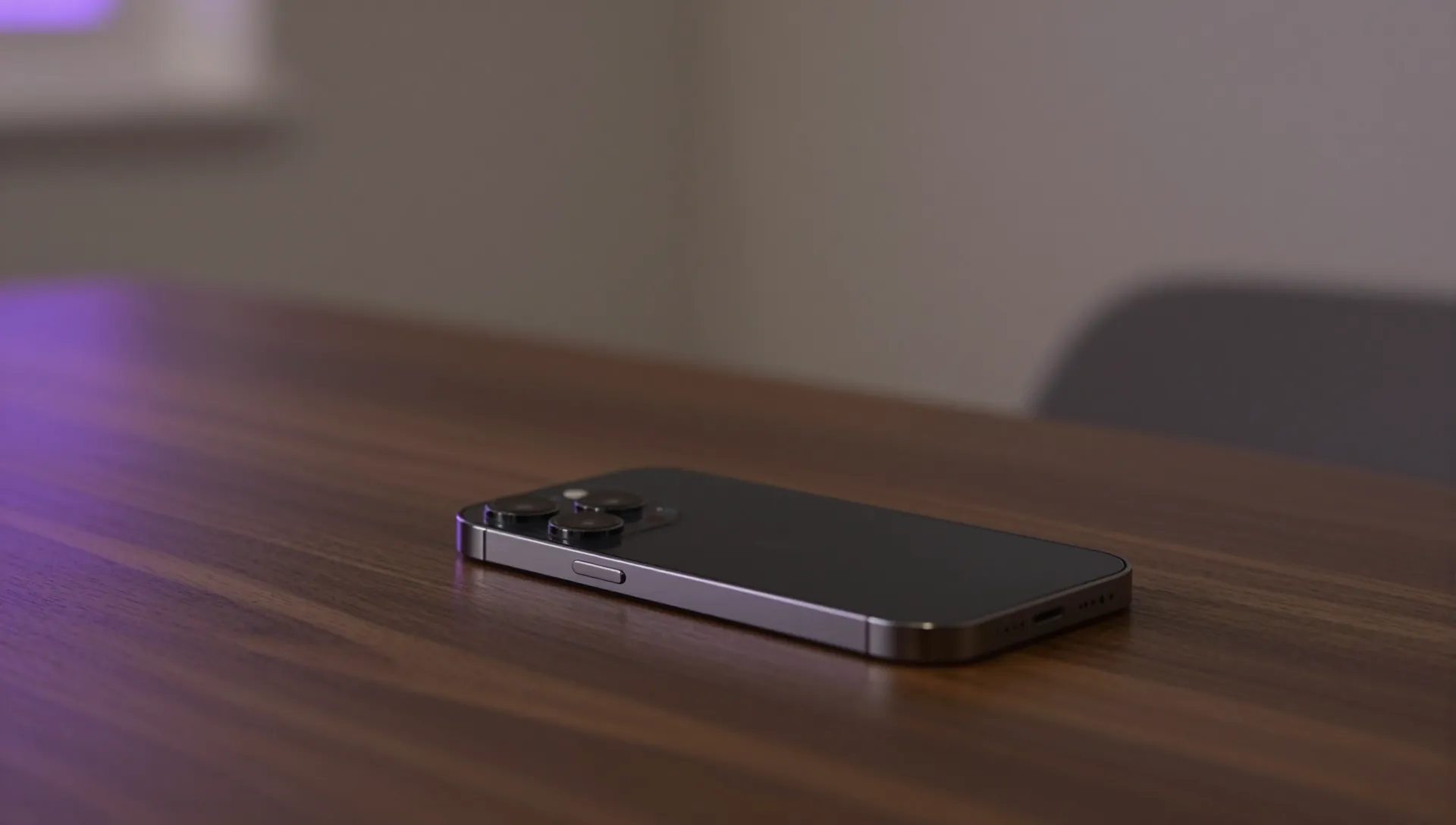
The audio never leaves your phone. Only text is sent to create the summary — without names. No account, no ads, no trackers.
Recording is free and unlimited. Transcription and summaries use your plan’s hours, counted by recording length. Your first hour is free — no card needed.
Coming soon to the App StoreA step-by-step guide and answers to common questions are on a separate page.
Help & FAQ
Your first hour of processing is free — no card needed.
Coming soon to the App Store